Turning Asset Sheets Into a Consistent Storyboard Video by using AI Foundry
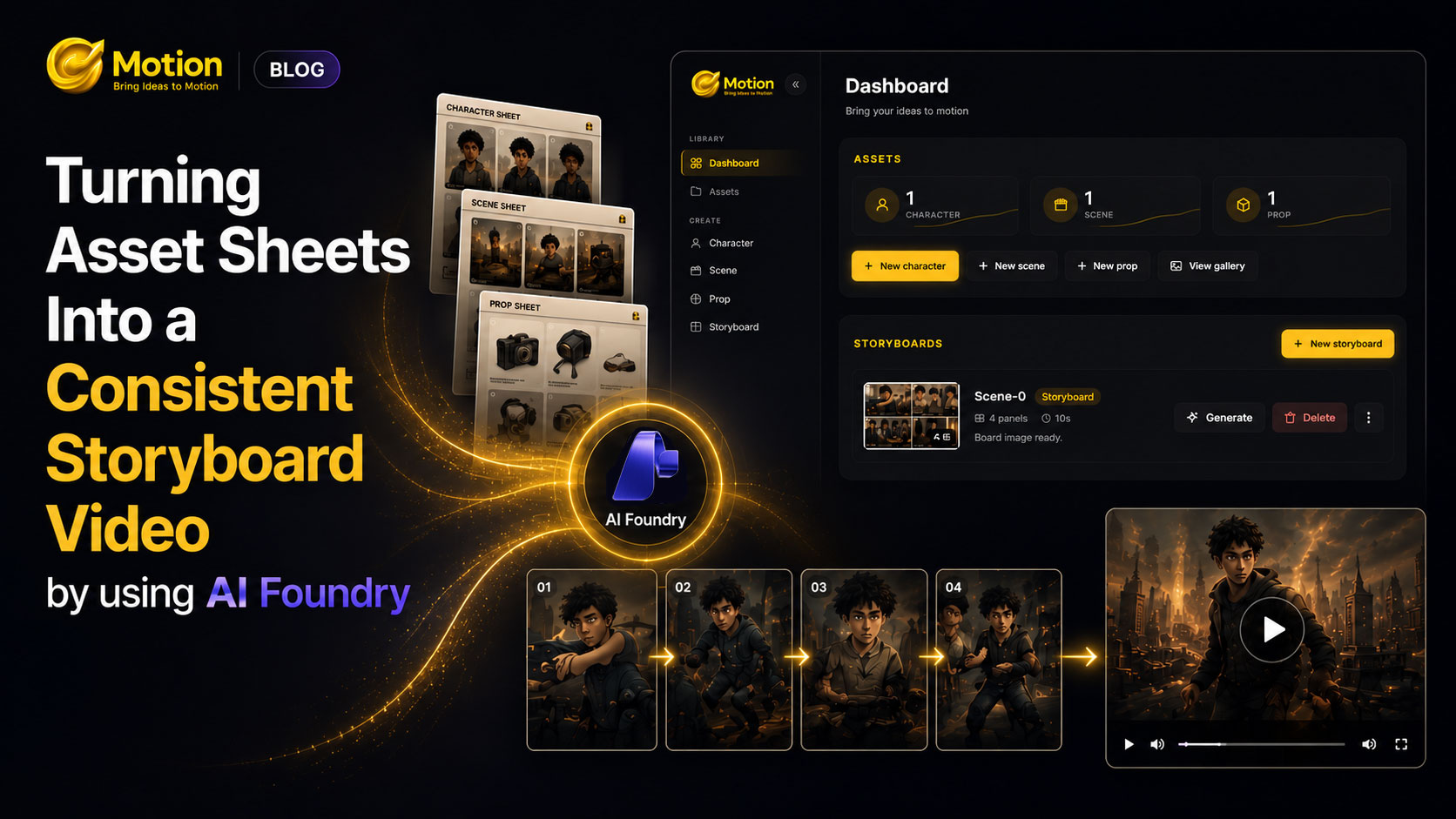
I've seen a lot of people creating AI video using different commercial tools, and it's amazing what's possible today. But to get from an idea to a finished video, they have to generate a character sheet in one app, go to another app to write out the storyline, go to another app to generate the storyboard, and then go to yet another app just to generate the video itself.
So I challenged myself, what if we could do all of that from a single app by leveraging models from Microsoft Foundry?
AI video generators are great at making one gorgeous shot - and terrible at making the next shot look like the same character, in the same room, wearing the same jacket. Consistency, not image quality, is the real bottleneck in AI-generated video.
Demonstration
It is a Flask app that pins down consistency by reusing the same visual references everywhere a character sheet made once gets reused in every panel and every clip.
flowchart LR
    A["Character / Scene / Prop\nsheets (once)"] --> B["Storyboard\n(one combined image,\nN panels)"]
    B --> C["Per-cut video\n(Sora-2)"]
    C --> D["Export\n(contact sheet PDF)"]
make asset sheets → write a story → break it into panels → render the whole board as one image → animate each cut → export.
The Consistency Trick
Two things do all the work, and both come from the asset sheets:
- Descriptor text - a short written description of each character/scene/prop, saved once, concatenated into every downstream prompt.
- Reference images - the same asset PNGs passed as
image[]references to every image-edit call.
flowchart TB
    subgraph Assets
        char["Character sheet\nimage + descriptor"]
        scene["Scene sheet\nimage + descriptor"]
        prop["Prop sheet\nimage + descriptor"]
    end
    Assets --> board["Storyboard image\n(1 call, all N panels,\nnear-square grid)"]
    Assets --> anchor["Per-cut anchor frame\n(1 call, clean single frame)"]
    anchor --> video["Sora-2 video\n(anchor as input_reference)"]
The storyboard is one generated image containing every panel - not N separate images - so the model only has to stay consistent within a single canvas. Each cut's video then starts from its own dedicated anchor frame (never a crop of the board) so Sora-2 animates from a clean, on-model reference.
The Pipeline, End to End
- Asset sheets - character/prop use a 4-view template prompt; scenes use a plain description. Each saved as
image.png+meta.json(descriptor + style anchor). - Story → panels - an LLM breaks the story + duration into a strict-JSON panel list (action, shot type, caption), validated before use.
- Board image - one
/images/editscall, asset references + panel instructions in, one combined storyboard grid image out. - Per-cut video - a clean anchor frame per panel, resized to Sora-2's exact target resolution, sent as
input_referenceto Sora-2; polled until done. - Export - board + captions flattened into a one-page PDF contact sheet.
Why This Works
- One board call beats N panel calls - the model keeps a character consistent far more reliably within one image than across separate generations.
- Text + image references, together - the descriptor text survives even when the image reference alone would drift; each reinforces the other.
- Video is decoupled from the board - the board never needs to be redrawn to try a new video; only the anchor frame does.
Fun Fact
The trickiest bug wasn't image consistency. It was Sora-2 occasionally refusing to animate a perfectly clean, stylized anchor frame because its moderation filter flagged the face on it. The fix ended up being pragmatic: on a moderation_blocked response, retry once without the reference image at all, text-prompt only, and just flag that cut so it's obvious in the UI which clips fell back.
This is not a production-grade product. It's a proof of concept. But it's proof that a single app, talking only to Microsoft Foundry, can take an idea all the way to a consistent video without ever leaving the browser tab.